 Cloud Platform
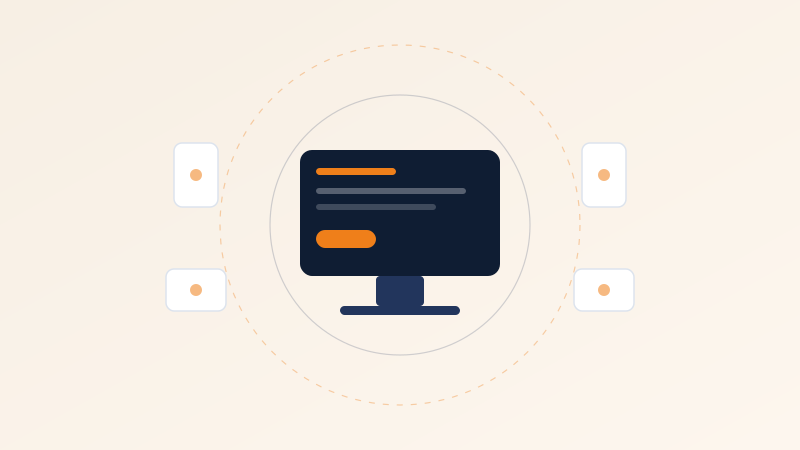
A virtual desktop is a normal desktop that runs on a server in a data centre instead of on the machine in front of the user. The screen is streamed to them; their keyboard and mouse are streamed back. That's the whole idea. Everything else people say about virtual desktops is a consequence of that one architectural move.
What changes for the user
Less than you'd expect, if it's done well. They log in and see a desktop. Their files are there. Their applications are there. The main differences they notice:
- They can pick up the same desktop from a different device — office machine, home laptop, tablet — and it's genuinely the same session, not a synced copy
- The desktop is as fast as the server, not as fast as their five-year-old laptop
- Working offline stops being an option, so connectivity quality becomes a real requirement rather than a nice-to-have
What changes for you
Quite a lot, and this is where the value sits.
Data stops leaving the building
When the desktop runs in the data centre, the data never lands on the endpoint. A stolen laptop becomes an inconvenience rather than a breach notification. For teams handling regulated data, this single property often justifies the whole project.
Onboarding becomes minutes, not days
A new starter needs credentials and a browser. No imaging, no shipping, no "we'll get your laptop next week." The same is true in reverse: offboarding is revoking access, not chasing hardware.
Contractors and third parties get scoped access
You can give an external developer a desktop with exactly the tools and network access their work needs, and nothing else, without touching their own machine or your VPN.
Hardware lifecycles stretch
If the heavy lifting happens server-side, the endpoint only needs to render a screen. Machines that were due for replacement often get several more useful years.
Where projects go wrong: almost always sizing and network, not software. A virtual desktop environment sized for average load feels wonderful in testing and terrible at 9am on Monday when everyone logs in at once. Size for peak, not for mean.
Who it fits well
- Teams handling sensitive data who want it to stay in one place
- Organisations with meaningful contractor or seasonal-staff turnover
- Anyone supporting remote workers across unreliable or personal devices
- Environments where a standard, locked, auditable desktop image matters more than personalisation
Who it fits badly
- Heavy graphics work — video editing, 3D — unless the environment is specifically built for it
- Users who genuinely need to work offline for long stretches
- Very small teams where the per-seat cost never amortises against the management savings
Practical advice if you're considering it
Start with one department, not the whole company. Pick a group with predictable software needs — finance, support, back office — and run them for a full quarter. You'll learn more about your real sizing requirements in twelve weeks of production use than in any amount of proof-of-concept testing.
Measure two things: login time at peak, and the number of support tickets that mention responsiveness. Those two numbers will tell you honestly whether the environment is sized right, long before anyone complains loudly enough to reach you.